Android Devices
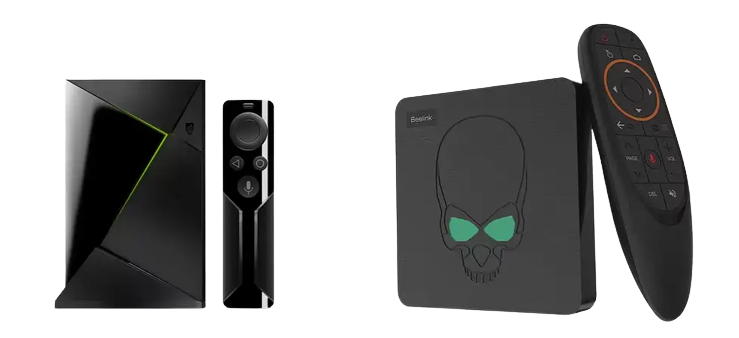
Install Edge IPTV on any Android TV, box or phone with the steps below — the same flow you can pass straight to the customers you resell to.
Set up Edge IPTV on your Android device in minutes and you’re ready for kickoff — live sports, PPV and 6500+ channels in Full HD with an accurate TV guide.
Catch every game on Android
With Edge IPTV on Android you’ve got every major league, PPV event and fight night in Full HD, alongside 6,500+ channels of movies, series and news. An accurate EPG keeps you on time for kickoff, anti-freeze streaming keeps the action smooth, and you can pick up on your phone or tablet when you’re away from the TV.
IPTV PLAYER SETUP
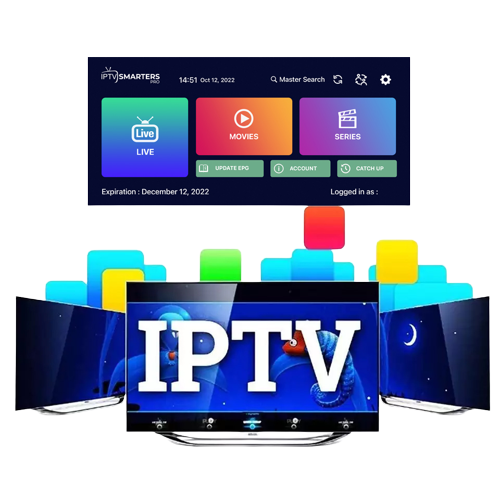
Pre-configured IPTV Smarter App
- Download and install the EDGE TV IPTV App using this link: https://edgeiptv.ca/one.apk
- You will find the download in your apps section in file browser/local/downloads. Just select the EDGE APK file and install.
- Open the application.
- Select setup as TV.
- Please place your order including your Username and Password at checkout.
- Once you receive confirmation email, Enter the Username and Password you selected when placing you order and LOGIN.
- Download each section… Live TV, Movies, and Series.
- The guide information will take a few moments to download and install.
- Now you’re all set. ENJOY!
IPTV Smarters setup instructions click HERE
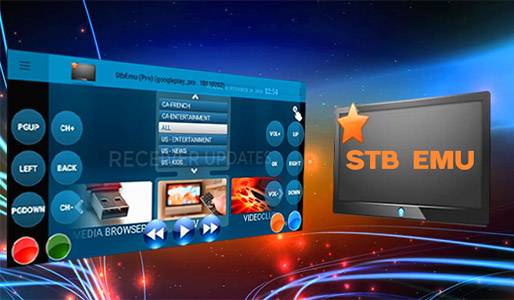
STB Emulator App
(MAC address subscription required)
Compatible with almost any Android device Android 5.0 or better, including cell phones and tablets. Apps can be downloaded using by accessing the Edge TV website using the web browser of your Android device.
Download and install STB Emulator and setup follow the instructions by clicking HERE