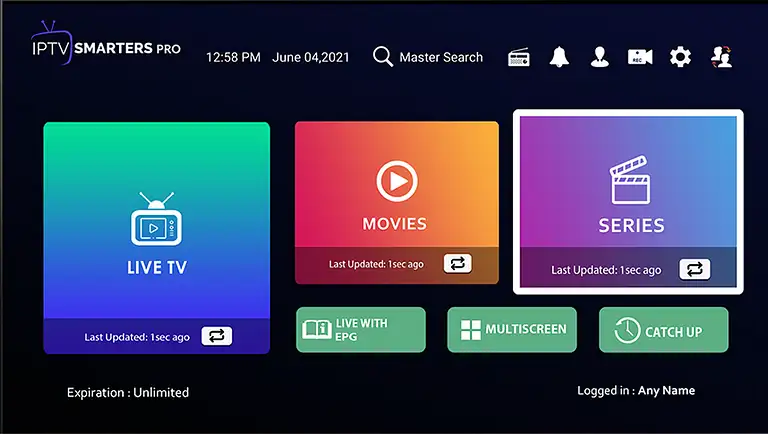
IPTV Smarters Pro Setup
Set up Edge IPTV in IPTV Smarters Pro in minutes and you’re ready for kickoff — live sports, PPV and 6500+ channels in Full HD with an accurate TV guide.
Catch every game on IPTV Smarters Pro
With Edge IPTV on IPTV Smarters Pro you’ve got every major league, PPV event and fight night in Full HD, alongside 6,500+ channels of movies, series and news. An accurate EPG keeps you on time for kickoff, anti-freeze streaming keeps the action smooth, and you can pick up on your phone or tablet when you’re away from the TV.
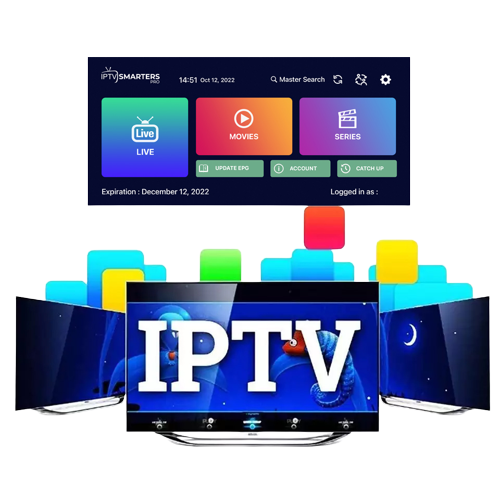
IPTV Smarters Pro Setup
Download and install IPTV Smarters Pro if you haven’t already to your device
Below is a link to an ad free version.
https://edgeiptv.store/smart.apk
Once installed you will find it in you apps section of your device.
- Please place your order including your Username and Password at checkout.
- Once you receive your confirmation email Open IPTV Smarters Pro, select setup as TV and save.
- Select Login with Xtream Codes API.
- API Enter in name as Edge TV,
- Enter Username and Password you selected at check out
- Enter server url Provided in your order confirmation email
- Select Add User.
- Download each section… Live TV, Movies, and Series.
- The guide information will take a few moments to download and install.
- You are all set. ENJOY!