Mon – Sun: 10:00am – 8:00pm EST

LIMITED-TIME SALE !!! ON ALL SUBSCRIPTIONS
USE COUPON CODE - DAD15

STB Emulator Setup

Set up Edge IPTV in STB Emulator in minutes and you’re ready for kickoff — live sports, PPV and 6500+ channels in Full HD with an accurate TV guide.

Catch every game on STB Emulator

With Edge IPTV on STB Emulator you’ve got every major league, PPV event and fight night in Full HD, alongside 6,500+ channels of movies, series and news. An accurate EPG keeps you on time for kickoff, anti-freeze streaming keeps the action smooth, and you can pick up on your phone or tablet when you’re away from the TV.

1588533417 300x300 1

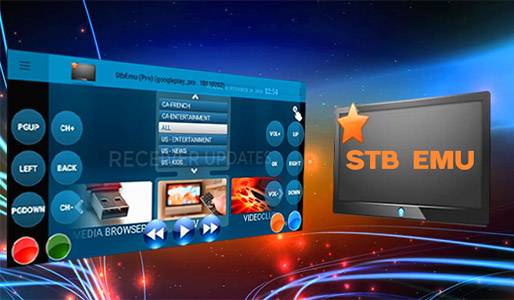
STB Emulator App

Download and install stb emulator if you haven’t already to your device.

Below is the link to the pro version if you would like no ads.

https://edgeiptv.store/stb4k.apk

Once installed you will find it in your apps section.

stb emu pro
H6f681d7052ce41cd9847352e871ba784G removebg preview
  1. Open STB Emulator.
  2. Select Configure Application bottom left.
  3. Scroll down and select Profiles then select New Profile to the right.
  4. Select Profile Name.
  5. Change profile name to Edge TV. Click OK to save.
  6. Page back to previous screen.
  7. Select STB Configuration
  8. Make note of your mac address.
  9. Please place your order including your MAC Address at checkout.
  10. Page back to previous screen.
  11. Select Portal Settings.
  12. Select Portal URL.
  13. Replace the portal url displayed with the url Provided in your order confirmation email then click OK to save.
  14. Page back until you come to the blue screen. Press the menu button (button with the horizontal lines)
  15. Once you receive your confirmation email scroll down to profiles and select it then select the Edge TV profile.
  16. The server will load
  17. You’re all set. ENJOY!