
Help Center
Get fast answers in our IPTV help center. Find setup steps, troubleshooting tips, and account help to start streaming smoothly today.
Get Fast Answers and Step-by-Step IPTV Help
When you need help setting up or using your IPTV service, you want clear answers that actually solve your issue. The Edge TV Store Help Center brings all your setup guides and FAQs into one place so you can get your devices streaming smoothly.
Whether you are installing IPTV on a new device, switching apps, or troubleshooting a problem, you will find focused instructions and common questions organized by platform. You get the guidance you need without having to sort through information that does not apply to your setup.
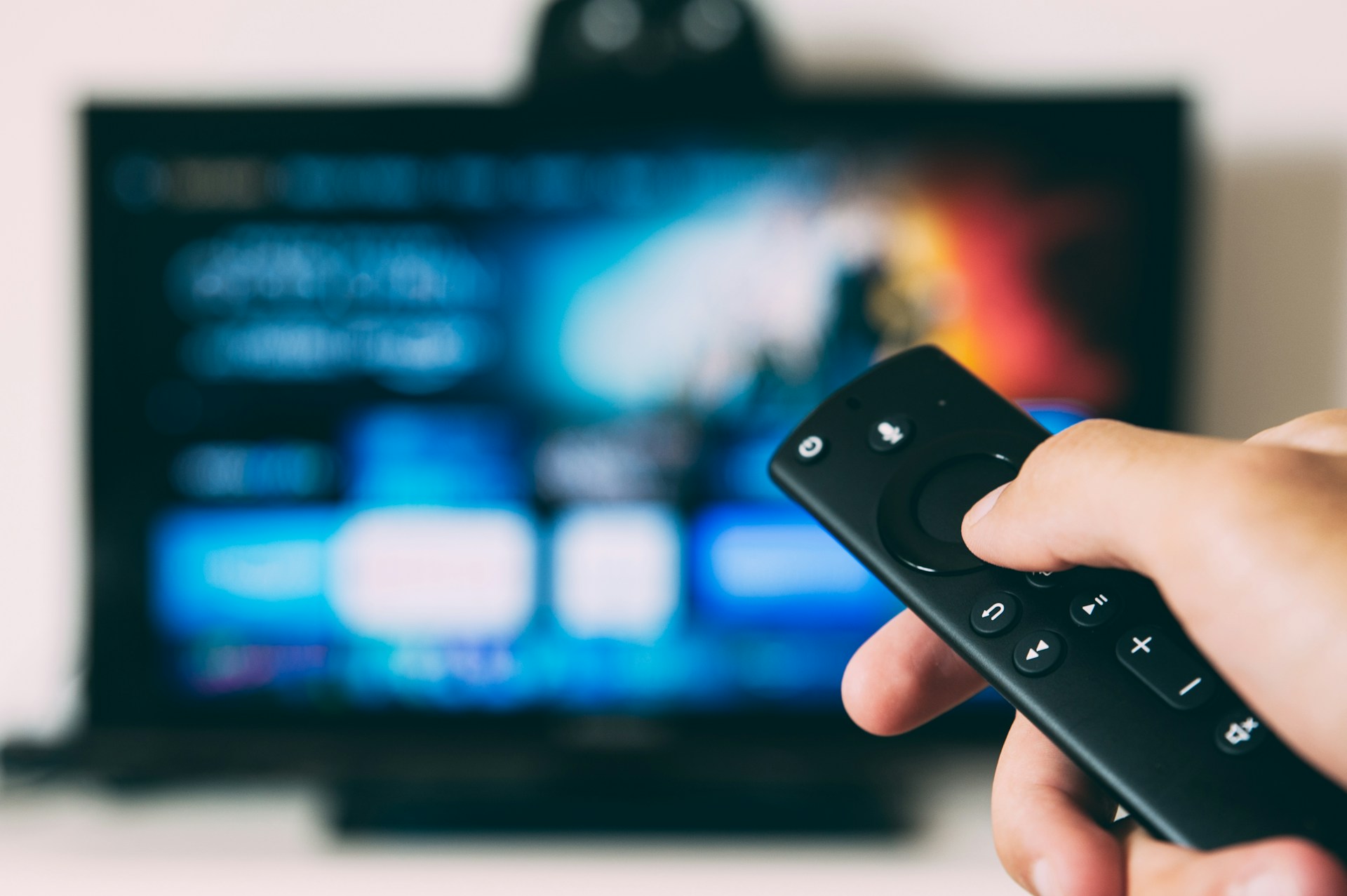
Find the Right Guide for Your Device or App
Every viewer sets up IPTV a little differently, so the Help Center is organized by device and application. This makes it easy for you to go straight to the guide or FAQ that matches how you watch.
You can choose from detailed setup guides or quick FAQ pages for each supported option, including popular streaming boxes, TVs, and IPTV apps. Each page is dedicated to a single platform so the steps you follow are specific to your device or software.
Here are the help categories available in the Help Center:
- Fire Devices Setup and Fire Devices FAQ
- Google TV Setup and Google TV FAQ
- Formuler Setup and Formuler FAQ
- Android Devices Setup and Android Devices FAQ
- Apple Devices Setup and Apple Devices FAQ
- Buzz TV Setup and Buzz TV FAQ
- Dreamlink Setup and Dreamlink FAQ
- IPTV Smarters Pro Setup and IPTV Smarters Pro FAQ
- MAG Device Setup and MAG Device FAQ
- STB Emulator Setup and STB Emulator FAQ
- TiviMate Setup and TiviMate FAQ
What You Can Expect From Each Help Page
Each setup page walks you through getting connected, from installing or opening your app to entering your subscription details and adjusting basic settings. The steps are arranged in a logical order so you can follow along at your own pace and confirm that each part of your setup is complete.
The FAQ pages focus on the most common questions and issues for that specific device or app. You can quickly check how to fix typical problems, understand key features, and make sure your IPTV service runs as smoothly as possible on your chosen platform.
Support That Fits How You Watch IPTV
The Help Center is built around the way you use IPTV, not around technical jargon. Each guide is focused on practical actions you can take, using plain language and device-specific instructions, so you are not left guessing what to do next.
Because Edge TV Store works with a wide range of streaming devices and IPTV apps, the Help Center keeps all of those options clearly separated. This helps you avoid confusion between platforms and gives you confidence that you are always following the right steps for your exact setup.
Get Streaming Support From Our Team Today
If you need guidance with your 24-hour trial or have questions about setting up your service, our help center is ready with clear answers and step-by-step instructions. For anything more specific, you can also contact us so we can assist you directly at Edge TV Store.