Mon – Sun: 10:00am – 8:00pm EST

LIMITED-TIME SALE !!! ON ALL SUBSCRIPTIONS
USE COUPON CODE - DAD15

Apple Devices

Edge IPTV works across the full Apple lineup — Apple TV, iPhone and iPad. Use the steps below for setup, or hand the page to your reseller customers as a ready-made install guide.

Set up Edge IPTV on your Apple TV, iPhone or iPad in minutes and you’re ready for kickoff — live sports, PPV and 6500+ channels in Full HD with an accurate TV guide.

Catch every game on Apple & iOS

With Edge IPTV on Apple & iOS you’ve got every major league, PPV event and fight night in Full HD, alongside 6,500+ channels of movies, series and news. An accurate EPG keeps you on time for kickoff, anti-freeze streaming keeps the action smooth, and you can pick up on your phone or tablet when you’re away from the TV.
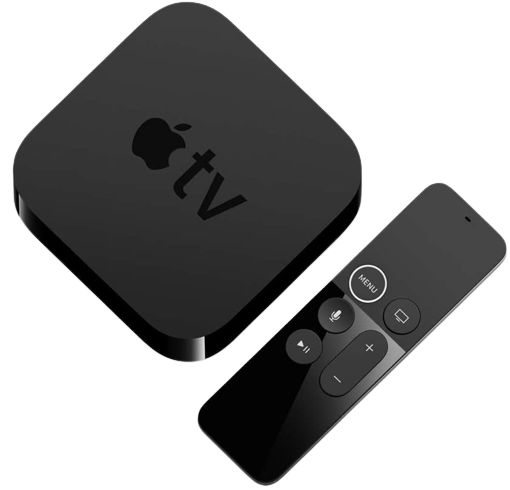

51Y Dulc3bL. AC SL1024 removebg preview

Download  Purple Player from the App Store

  1. Please place your order including desired Username and Password at checkout.
  2. Once you receive your confirmation email open GSE and select the 3 lines top right.
  3. Select xtreamcodes api
  4. Select the + bottom right to create a profile.
  5. Any Name = Edge
  6. Username =Your username
  7. Password = Your password
  8. URL: Provided in your order confirmation email
  9. Select add then select the new profile and install epg.
  10. You’re all set. ENJOY!