
IPTV Smarters Pro FAQ
Get quick answers in our IPTV Smarters Pro FAQ, covering setup, troubleshooting, devices, and streaming tips so you can start watching fast today.
IPTV Smarters Pro FAQ with Edge TV Store
Below are some common questions and answers about using IPTV Smarters Pro together with your Edge TV Store subscription.
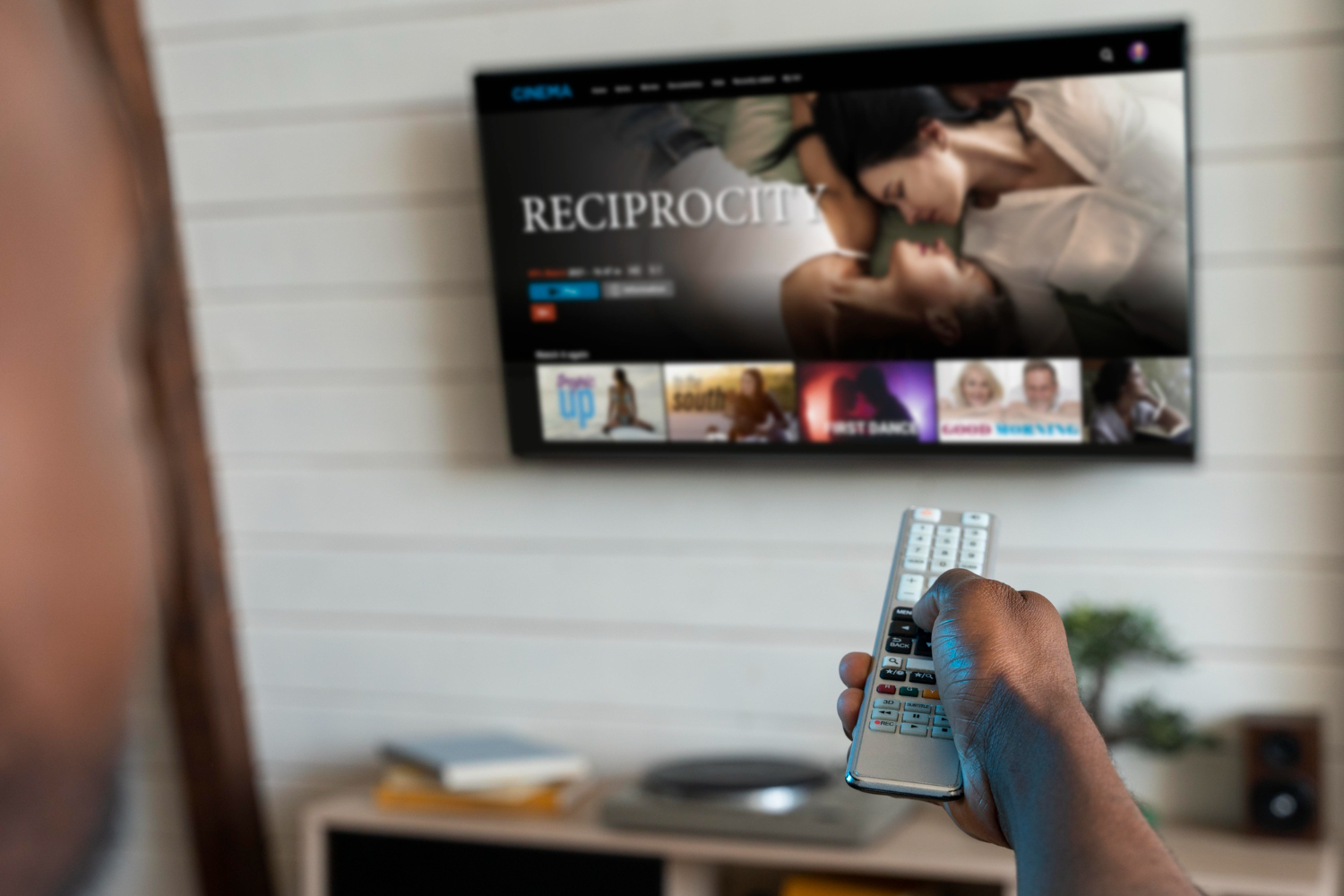
1. What Is IPTV Smarters Pro?
IPTV Smarters Pro is an application that allows you to access IPTV services by logging in with your IPTV account details. When used with Edge TV Store, it acts as a player for the channels and content provided through your Edge TV Store subscription.
2. How Does IPTV Smarters Pro Work with Edge TV Store?
IPTV Smarters Pro does not provide any content on its own. Instead, it uses the login or playlist details from your IPTV provider. When you have an active subscription with Edge TV Store, you can enter the details supplied with your subscription into IPTV Smarters Pro so the app can load your channels and on-demand content.
3. How Do I Add My Edge TV Store Subscription to IPTV Smarters Pro?
In general, you add your Edge TV Store account to IPTV Smarters Pro by entering the credentials or playlist details that Edge TV Store provides with your subscription. Once those details are entered correctly, the app should display your live TV channels, movies, and series that are included with your subscription.
4. Can I Use IPTV Smarters Pro on Multiple Devices?
Support for multiple devices depends on the rules of your Edge TV Store subscription and how many connections are allowed. Check your subscription information from Edge TV Store to see how many devices or connections you are permitted to use at the same time, then install IPTV Smarters Pro on compatible devices and log in with your subscription details as allowed.
5. Why Are My Channels or On-Demand Content Not Loading in IPTV Smarters Pro?
If channels or on-demand content are not loading:
– Confirm that your Edge TV Store subscription is active.
– Make sure you entered your login or playlist details into IPTV Smarters Pro exactly as provided.
– Check your internet connection on the device you are using.
– Close and reopen IPTV Smarters Pro and try reloading the channels or playlist.
If the issue continues, contact Edge TV Store support with your account details and a description of the problem.
6. What Can I Do If the Picture Is Freezing or Buffering?
If you experience freezing or buffering when using IPTV Smarters Pro with Edge TV Store:
– Test your internet speed to ensure it is stable and suitable for streaming.
– Use a wired connection if possible, or move closer to your Wi-Fi router.
– Close other apps or devices that may be using a lot of bandwidth.
– In IPTV Smarters Pro, try adjusting any available player or streaming quality settings that may affect performance.
If problems persist, reach out to Edge TV Store support for further checks on your service.
7. Do IPTV Smarters Pro Menu Names Match the Steps in This FAQ?
IPTV Smarters Pro is a third-party application, and its menus or labels can change with updates or differ by device. The steps described in this FAQ are general guidelines. The exact wording or layout on your device may be slightly different, but the overall process (adding your account, loading channels, and playing content) should be similar.
8. IPTV Smarters Pro Settings That Affect Viewing Experience
Some common settings in IPTV Smarters Pro that may influence your experience include:
– Player selection (if the app allows choosing between different built-in players)
– EPG (Electronic Program Guide) update or refresh options
– Auto-start or auto-play settings
– Language or subtitle options, if available
Check the settings section in IPTV Smarters Pro on your device and adjust them based on your preferences and any guidance provided by Edge TV Store.
9. Who Provides Support for IPTV Smarters Pro via Edge TV Store?
If your issue is related to your subscription, channels, or access details, contact Edge TV Store support using the information provided with your subscription. If the problem appears to be specific to the IPTV Smarters Pro app (such as app crashes or installation issues), you may also need to check the app store listing or the developer’s resources for additional help.
10. Content Available on IPTV Smarters Pro via Edge TV Store
The content you see inside IPTV Smarters Pro depends entirely on what is included in your Edge TV Store subscription. After you log in with your subscription details, IPTV Smarters Pro will display the live TV channels and on-demand content that Edge TV Store has assigned to your account. For specific information about available channels or libraries, refer to your Edge TV Store plan details.
Start Streaming With Confidence Today
If you are ready to test our service and see how everything in the IPTV Smarters Pro faq works in real time, start with a 24-hour trial and experience the quality for yourself. If you have any questions or need help setting things up, reach out to us through our contact page so we can get you streaming with Edge TV Store fast.